
This manual provides information about the SCX- 5330N and SCX- 5530FN multifunction printer.
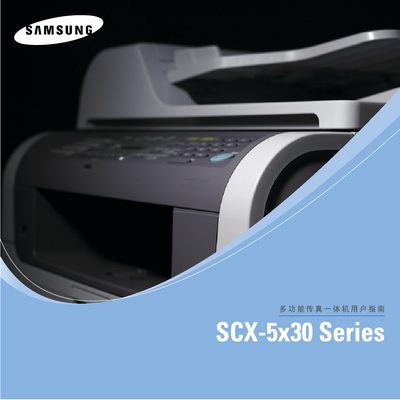
This manual provides step‑by‑step instructions for installing, configuring and using the Samsung SCX‑5330N and SCX‑5530FN multifunction printers. It covers system settings, network configuration, loading media, printing, copying, scanning, fax (SCX‑5530FN only) and USB flash‑memory functions.
Safety information, troubleshooting tips, specifications and parts‑list details are included to help both end‑users and service technicians keep the devices running reliably.
| ADF capacity | 50 sheets |
|---|---|
| Paper tray 1/2 capacity | 250 sheets each |
| Print speed (A4) | 28 ppm |
| Print resolution | 1200 × 1200 dpi |
| Memory (SCX‑5330N) | 64 MB (max 320 MB) |
| Memory (SCX‑5530FN) | 96 MB (max 320 MB) |
| Power consumption (average) | < 520 W |
| Dimensions (W × D × H) | 466 × 435.4 × 458 mm |
| Weight (SCX‑5330N) | 17 kg |
| Weight (SCX‑5530FN) | 18.5 kg |
Select the "Change LCD display language" option in the System Settings menu.
Yes, enable duplex printing in the settings; the SCX‑5530FN supports up to 19 ipm duplex speed.
The UK model uses a BS 1363 13 A plug with a 13 A fuse.
Insert a USB flash device, then choose the "Scan to USB" option from the USB Flash Memory menu.