
The ADM4210 is a hot swap controller that safely enables a printed circuit board to be removed and inserted to a live backplane. It supports 2.7V-16.5V voltage range and features overcurrent protection and short circuit protection.
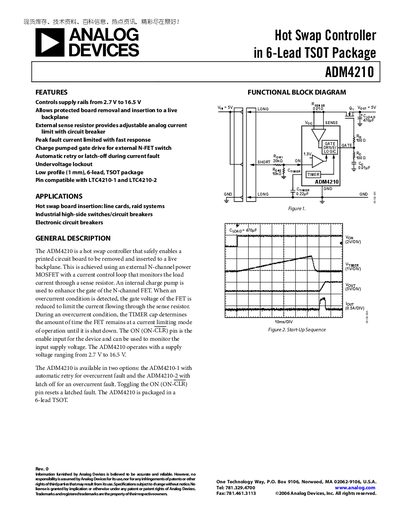
The ADM4210 is a hot swap controller designed to safely insert or remove printed circuit boards from a live backplane. It uses an external N-channel MOSFET and a current control loop to monitor load current through a sense resistor. An internal charge pump enhances the gate drive for the MOSFET. When overcurrent is detected, the gate voltage is reduced to limit current. The device supports automatic retry or latched-off modes for fault recovery and operates with a supply voltage range of 2.7V to 16.5V. It is available in a 6-lead TSOT package and is pin-compatible with LTC4210-1 and LTC4210-2.
The ADM4210 operates with a supply voltage from 2.7 V to 16.5 V.
The ADM4210 is packaged in a low profile 6-lead TSOT package.
The gate voltage of the external FET is reduced to limit the current flowing through the sense resistor.
Toggling the ON (ON-CLR) pin resets a latched fault.