
DVD-S858 is a DVD player produced by Panasonic, which supports multiple format playback.
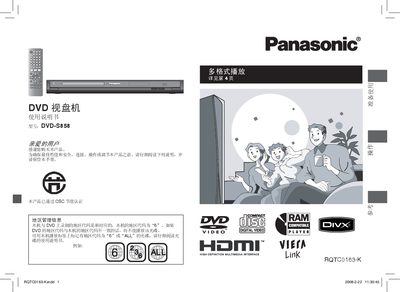
This manual provides step‑by‑step instructions for connecting the DVD‑S858, using the remote control, and configuring video and audio settings. It also details safety precautions, battery handling for the remote, and troubleshooting tips.
A full specifications section lists power requirements, dimensions, laser class, supported disc formats, and audio/video output options. The document includes a quick‑reference guide and regulatory information for disposal and hazardous substances. This manual is written in Chinese.
| Standby power consumption | ≈1 W |
|---|---|
| Input voltage | 110‑240 V, 50/60 Hz |
| Dimensions (W×D×H) | 430 mm × 239 mm × 43 mm (including protrusions) |
| Weight | ≈2.0 kg |
| Laser class | Class 1 / Class 1M |
| Audio output level | 2 V rms (1 kHz, 0 dB) |
The DVD‑S858 is set to region code 6 and will only play discs marked with region 6 or “ALL”.
No, Blu‑ray discs are listed among the formats the DVD‑S858 cannot play.
Connect an HDMI cable to the HDMI IN port, set the video priority to “off”, and select “progressive output” in the HDMI menu.