
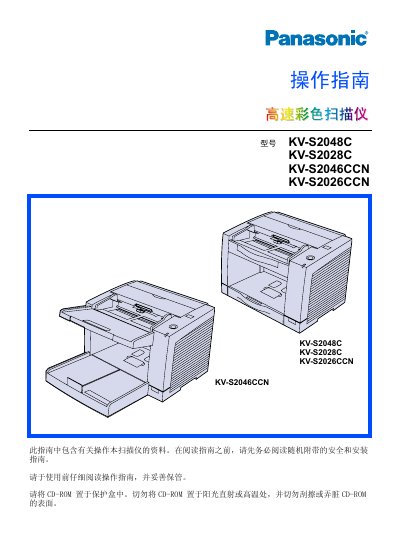
This manual covers safety, precautions, parts names, installation, paper handling, clearing jams, cleaning, replacing consumables, and technical specifications for the Panasonic KV-S2048C, KV-S2028C, KV-S2046CCN and KV-S2026CCN high-speed color scanners. It also describes software installation and document requirements.
Safety instructions include power source and grounding precautions, warnings about liquids and metal objects, and instructions to contact an authorized service center for repairs. Cleaning and maintenance sections cover the scanner, CIS unit, rollers, sensors, and replacement of consumables. This manual is written in Chinese.
| ENERGY STAR compliance | KV-82026CCN and KV-82046CCN no longer satisfy ENERGY STAR energy-efficiency criteria after April 1, 2007. |
|---|
Stop operating immediately, turn off the scanner, unplug the power cord, and contact an authorized service center.
No, use only the power cord supplied with the scanner.
Unplug the power cord immediately and contact an authorized service center.
Yes, remove all staples from documents before scanning.