
This is the user manual of Panasonic KX-T7433, KX-T7436, KX-T7450 digital telephone.
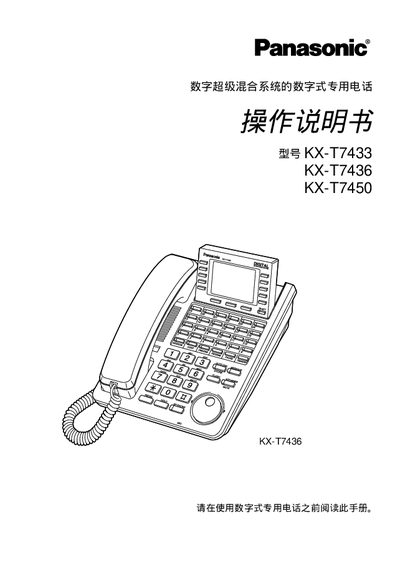
The manual provides detailed instructions for using Panasonic's digital Super Hybrid telephone system models KX‑T7433, KX‑T7436 and KX‑T7450. It covers initial operation, connection to the main unit, volume and display adjustments, and all call handling functions.
Key sections include making and receiving calls, auto‑answer/mute, busy‑line hold, message waiting, call transfer, three‑way conferencing, and programming of speed‑dial and stored numbers. The guide also lists accessories supplied with the phones and safety precautions. This manual is written in Chinese.
Press the CONT (S1) key and turn the knob to set the desired contrast.
Press the AUTO ANSWER/MUTE key; the LED indicates whether auto answer is active.
The package contains a telephone microphone, a telephone line cable, a microphone cable, and an outer cover.