
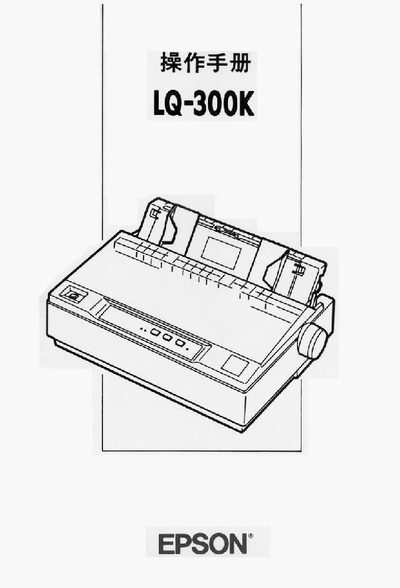
This manual describes how to install and set up the Epson LQ-300K printer, explains the control panel functions, and guides users through normal printing operations. It also covers safety precautions and the use of optional accessories.
The document includes troubleshooting procedures, detailed specifications, character set tables, and information on the printer’s interfaces and printable area. This manual is written in Chinese.
| Interfaces | Parallel and EIA‑232D serial |
|---|---|
| Optional color ribbon | C832112 |
It has a parallel interface and an EIA‑232D serial interface.