
Lexmark C752 User Manual

This document provides information about the trademarks and products of Lexmark International, Inc., including the features and characteristics of their products.
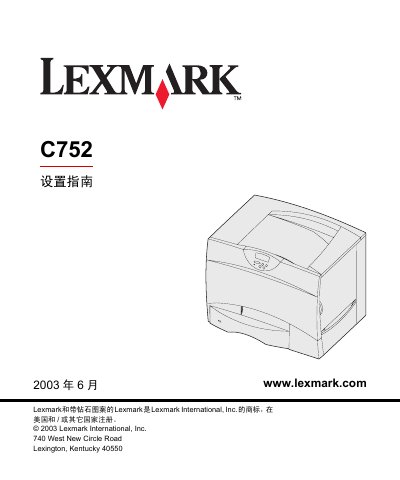

Lexmark C752 User Manual - cover page
Brand
Lexmark
Category
Printer
Document type
User Manual
Language
Chinese
Pages
72
File format
PDF
File size
1.6 MB
Published
01 April, 2012
Updated
29 September, 2023
Model
C752
MD5 checksum
7C1CB3377314AD6882DD92A9484837D5

About this manual

This manual provides step‑by‑step instructions for unpacking, installing optional accessories, loading paper, connecting power and network cables, and installing drivers on Windows, Macintosh, UNIX/Linux and NetWare systems. It also includes safety information, FCC compliance details, and troubleshooting guidance.

Additional sections cover memory and firmware upgrades, configuring TCP/IP settings, and using the accompanying publication CD for quick reference and consumable replacement instructions. This manual is written in Chinese.

What's inside

  • Unpacking the printer
  • Setting up printer and paper handling options
  • Installing 2000‑page feeder
  • Installing 500‑page feeder
  • Installing duplex unit
  • Placing the printer
  • Installing optional paper trays
  • Loading paper
  • Connecting cables and power
  • Installing drivers for local printing
Download PDF (1.6 MB)

More Lexmark Manuals


View all Lexmark manuals →