
This document is a user guide for Lexmark X642e Laser MFP 2, which introduces the product's features, functions and usage methods.
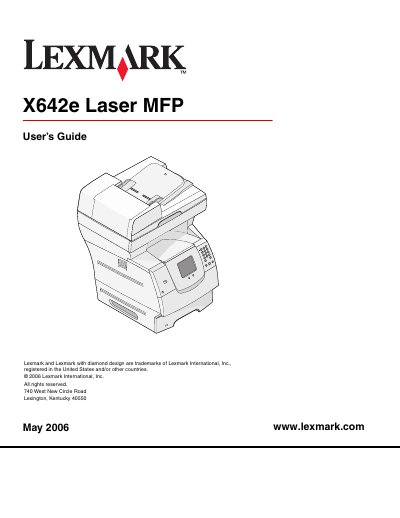
This guide introduces the Lexmark X642e laser multifunction printer, covering safety notices, warranty disclaimer, and basic product information. It explains required precautions such as avoiding setup during lightning storms and handling of mercury‑containing lamps.
The manual is organized into chapters that detail copying, e‑mail, faxing, FTP, scanning to PC or USB, printing, paper and specialty media guidelines, installation of options, administrative settings, jam clearing, and troubleshooting. Each section includes step‑by‑step procedures, menu descriptions, and troubleshooting tips to help users operate the MFP efficiently.
| Input capacity | 500 sheets |
|---|---|
| Standard memory | 128 MB |
| Maximum memory capacity | 640 MB |
| Option card connectors | 1 |
| Duplex ability | Simplex in, duplex out |
Do not make any electrical or cabling connections, such as the power cord or telephone, during a lightning storm, and avoid using the fax feature in that condition.
Use paper that meets the MFP specifications, ensure the paper stack does not exceed the maximum height, adjust tray guides to the correct position, and replace worn pick rollers if necessary.