
This user guide provides detailed instructions on how to use this multifunction printer, including setup, installation, use, maintenance, and troubleshooting
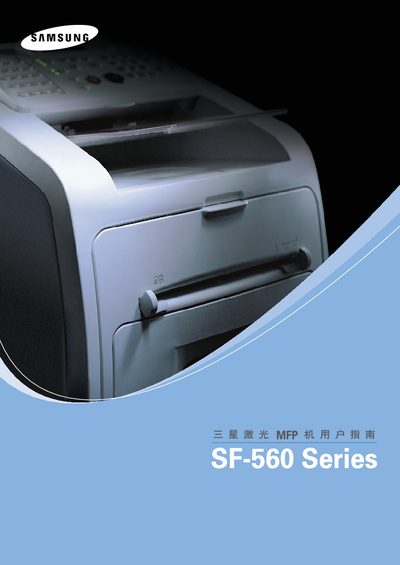
This manual covers the installation, configuration, and daily operation of the Samsung SF-560 Series laser MFP. It includes details on supported interfaces, software drivers, and basic printing functions.
The document also lists Samsung's worldwide customer‑care contact numbers and the operating systems that are compatible with the device, such as Windows XP and Windows 2000.
| Parallel interface | Centronics |
|---|---|
| Supported operating system | Windows XP |
You can call Samsung’s worldwide support lines, for example 1‑800‑SAMSUNG (726‑7864) in the USA or use the local numbers listed for each country.