
This document describes the features and characteristics of the SF-555P I printer and its accompanying SmarThru 3 Anypage software. Supported operating systems include Windows, Windows 95, Windows 98, Windows Me, Windows NT, Windows 2000, Windows XP Microsoft.
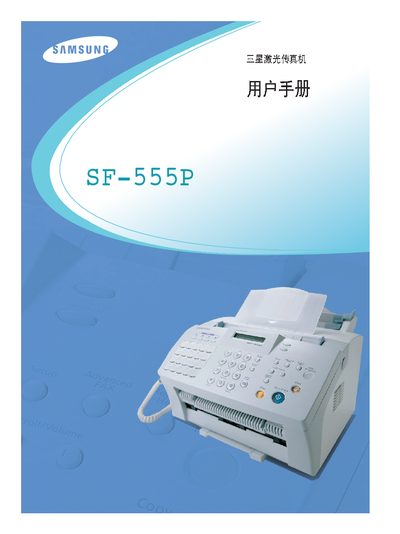
This manual covers the safe installation and setup of the Samsung SF-555P laser fax, including connection to a PC via USB and basic configuration steps. It also explains how to operate the fax functions such as sending, receiving, and storing documents.
Safety information is highlighted throughout, especially the warning about invisible laser radiation when the unit is opened. The guide includes troubleshooting tips and a brief technical specification summary.
| Interface | USB |
|---|---|
| Laser Type | Invisible laser radiation |
Avoid direct exposure to the invisible laser beam.
Use the USB interface to connect the fax to a PC.