
This is a Samsung TV user manual, which includes TV's usage instructions, precautions and warranty information
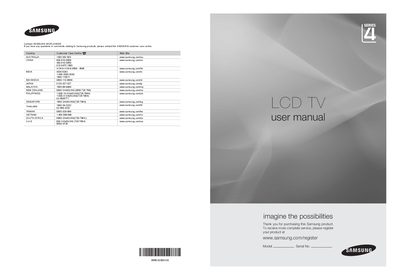
This manual guides you through the basic operation of the Samsung LA22B450 LCD TV, including how to use the control panel, remote control, and connection ports. It also covers safety precautions such as avoiding prolonged still images to prevent screen burn.
Installation instructions, accessory lists, and detailed specifications are provided, along with troubleshooting tips and information on HDMI, component, and AV connections.
| Screen Size | 22 inch (diagonal) |
|---|---|
| PC Resolution | 1360 x 768 @ 60Hz |
| Sound Output | 3W x 2 |
| Dimensions (without stand) | 558 x 81 x 384 mm |
| Dimensions (with stand) | 558 x 172 x 423 mm |
| Weight (with stand) | 4 kg |
| Storage Temperature | -20°C to 45°C (-4°F to 113°F) |
| Storage Humidity | 5% to 95% (non‑condensing) |
| Stand Swivel | 0° (left/right) |
The remote control can be used up to about 23 feet from the TV.
No additional audio connection is needed for an HDMI‑to‑HDMI connection.