
This document describes how to use your mobile phone safely, including precautions for use on airplanes, while driving, and while using your phone.
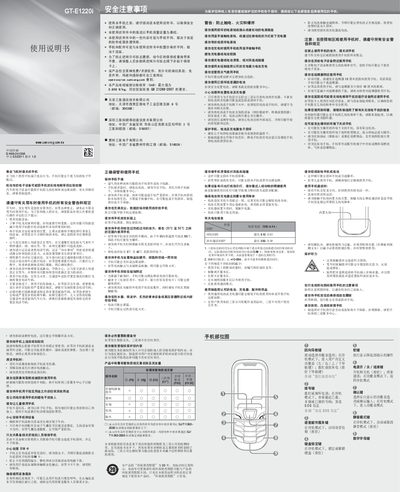
This guide outlines safety precautions for using the Samsung GT‑E1220i, including warnings about airplane use, driving, exposure to extreme temperatures, and interaction with medical devices. It also details proper storage, battery handling, and environmental considerations to prevent damage or injury.
The manual explains basic phone functions such as installing the SIM card and battery, making calls, sending messages, adjusting volume, setting alarms, and using text input modes. Additional sections cover status icons, SOS messaging, and battery charging procedures. This manual is written in Chinese.
| Battery capacity | 800 mAh |
|---|---|
| Maximum standby time | 610 hours |
| SAR (max) | 0.909 W/kg |
| Operating temperature range | -20 °C to 50 °C |
Store the phone between –20 °C and 50 °C to avoid damage.
The battery can provide up to 610 hours of standby time under optimal conditions.
The SAR (Specific Absorption Rate) does not exceed 0.909 W/kg.
Remove the battery cover, insert the SIM card, then replace the cover.