
This user's guide provides you with information on installing the supplied CD-ROM to use your machine as a printer and scanner. This guide also provides the basic description on using the supplied multi-function application programme, Samsung SmarThru, which allows you to scan and edit images, send E-mail and PC-fax. You will also find a brief description on automatic text recognition programme, AnyPage Lite.
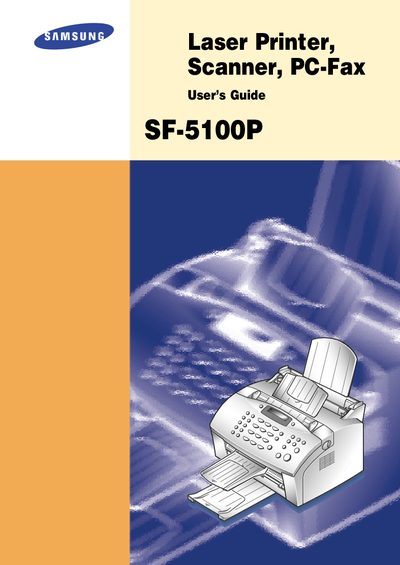
This guide covers the installation of the Samsung SmarThru CD‑ROM, hardware connections (printer cable, telephone line), and system requirements for the PC software. It explains how to use the SmarThru suite—including ScanThru, CopyThru, FaxThru, ImageThru, MailThru, and AnyPage Lite OCR—to print, scan, copy, fax, and email documents.
Additional sections describe troubleshooting common printer, scanning, fax, and OCR problems, as well as an appendix and index for quick reference.
Insert the SmarThru CD‑ROM and run the installer; the guide explains the steps for installing the MFP driver and SmarThru applications.
A Windows 3.x or Windows 95/98 PC with a 486SX 33 MHz processor and at least 8 MB RAM, or Windows NT 4.0 with a Pentium 90 MHz CPU and 32 MB RAM, plus 50 MB free disk space and a CD‑ROM drive.