
Toshiba mobile phone user manual, introduces the basic functions, usage methods and safety precautions of the mobile phone
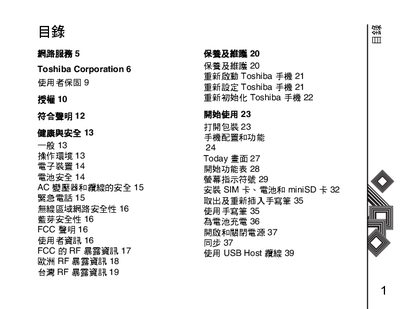
This manual provides safety and health information, battery handling guidelines, and regulatory notices for the Toshiba cellphone. It also explains how to install the SIM card, battery, and mini‑SD card, as well as how to charge the battery and use Bluetooth.
The guide walks users through basic operation such as restarting, resetting, and initializing the phone, navigating menus, using messaging services, email, and internet browsers, and configuring network and security settings. A troubleshooting section and an index help locate specific topics quickly. This manual is written in Chinese.
To restart the Toshiba phone, follow the steps listed under “重新启动 Toshiba 手机”.
The manual explains the installation process in the section titled “安装 SIM 卡、电池和 miniSD 卡”.