
This manual introduces how to use the phone's basic operations, such as setting up the phone, making phone calls, sending text messages, surfing the Internet, taking pictures, etc.
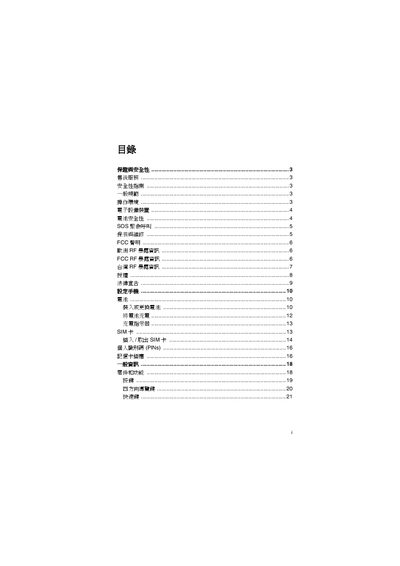
The manual begins with safety information, including general specifications, operating environment, battery safety, and FCC statements. It then covers essential phone functions such as SIM card handling, PIN management, navigation keys, backlight settings, and WAP configuration.
Further sections describe multimedia features like the music library, camera modes, email, and push mail, as well as system options such as airplane mode, auto reply, and factory reset. An index at the end lists topics and page numbers for quick reference. This manual is written in Chinese.
The manual provides instructions for inserting and removing the SIM card.
The manual explains how to set and change the personal PIN (PINs).
The four-direction navigation keys are described for navigating menus and options.