
This is a user manual for a PMP player. It introduces the features, operations and precautions of the product.
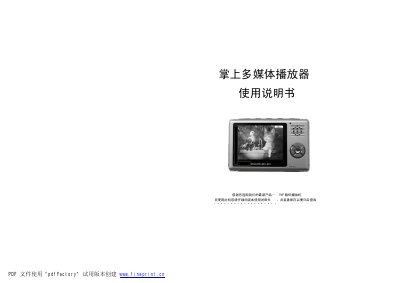
The PMP handheld multimedia player is a portable device with a 480×234 TFT screen, built‑in lithium battery, and support for audio, video, photo playback, recording and simple games. It offers multiple storage options (128/256/512 MB) and various output features such as headphone jack and video out.
The manual provides a product introduction, detailed function descriptions, step‑by‑step operation instructions, charging and PC‑connection procedures, a list of buttons and interfaces, specifications, common fault troubleshooting and a brief guide to the built‑in games and accessories. This manual is written in Chinese.
| Storage capacity | 128/256/512 MB |
|---|---|
| Headphone output power | 5 mW per channel |
| Frequency response | 20 Hz – 20 kHz |
| Dimensions (L×W×H) | 58 mm × 88 mm × 17 mm |
| Screen resolution | 480 × 234 TFT |
Connect the supplied charger to a power outlet and plug the USB charging port on the player; the red LED lights while charging and it takes about 5 hours.
Use the file‑protection feature to write‑protect selected files; protected files cannot be deleted until the protection is removed.
Use the random USB cable supplied with the player: connect the larger end to the PC’s USB port and the smaller end to the player’s USB port.