
PMP digital media player user manual, introduces product use methods, precautions and other information
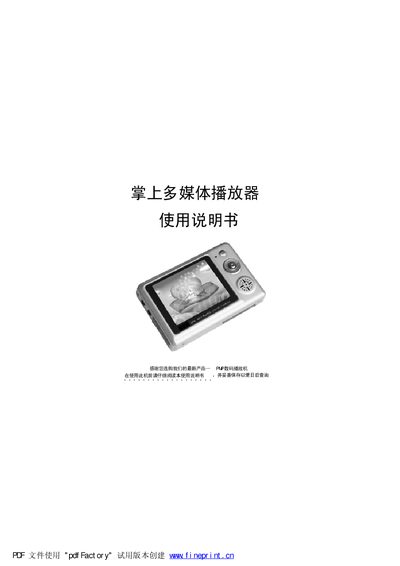
The PP数码播放机 is a portable multimedia player that supports video, audio, photo browsing, recording, and e‑book reading. It includes a 2.5‑inch TFT screen, built‑in speaker, microphone, and a rechargeable lithium battery.
The manual covers computer connection requirements, button functions, basic operation steps, specifications, accessories, and a troubleshooting guide for common issues such as driver installation and video/audio line connections. This manual is written in Chinese.
| Storage Capacity | 128/256/512 MB |
|---|---|
| Display | 2.5‑inch TFT screen |
| USB Interface | USB 1.1 |
| Camera Resolution | 1.3 MP (130 万像素) |
| Audio Sampling Rate | 8 kHz‑48 kHz |
| Output Power Range | 20 Hz‑26 kHz |
| Headphone Output Power | 5 mW + 5 mW |
| Dimensions | 90 × 60 × 17.5 mm |
Use the supplied USB cable, connecting the small end to the player and the large end to the computer’s USB port.
Install the driver from the provided disc and ensure the USB cable is firmly connected; a loose or broken cable can also cause the issue.