
Key facts
- Manuals
- 7
- Categories
- 1
- Languages
- ZH
- Last added
- 2012-03-27
Featured 掌上多媒体播放器 manuals
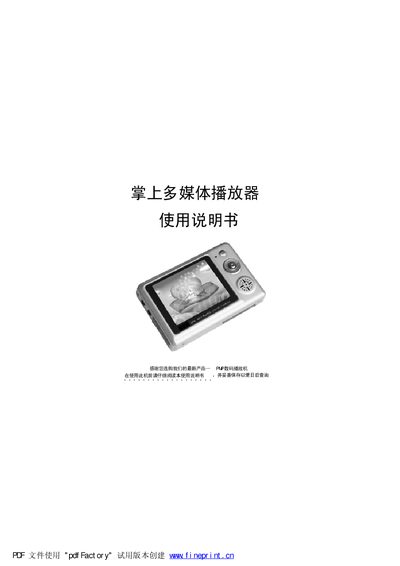
PP数码播放机 Multimedia Player User Manual
The PP数码播放机 is a portable multimedia player that supports video, audio, photo browsing, recording, and e‑book reading. It includes a 2.5‑inch TFT screen, built‑in speaker, microphone, and a rechargeable lithium battery.
The manual covers computer connection requirements, button functions, basic operation steps, specifications, accessories, and a troubleshooting guide for common issues such as driver installation and video/audio line connections. This manual is written in Chinese.
Covers: 电脑配置 · 注意事项 · 产品介绍 · 功能介绍 · 按键及接口 · 基本操作
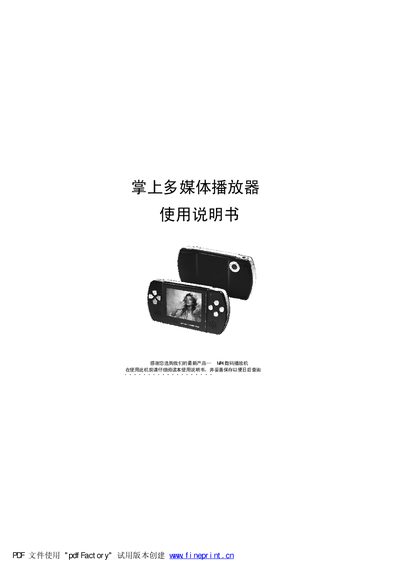
MRI4 Handheld Multimedia Player User Manual
This manual introduces the MRI4 handheld multimedia player, covering its hardware features, supported media formats, and basic functions such as video playback, music playback, photo browsing, recording, and e‑book reading. It also explains the device's multilingual interface and built‑in accessories like the speaker and battery.
Detailed sections describe computer connection requirements, button layout, USB interface usage, safety precautions, and step‑by‑step operating procedures. The appendix includes a parts checklist, specifications table, and a troubleshooting guide for common issues. This manual is written in Chinese.
Covers: Computer Requirements · Precautions · Product Introduction · Feature Overview · Buttons and Interfaces · Basic Operation
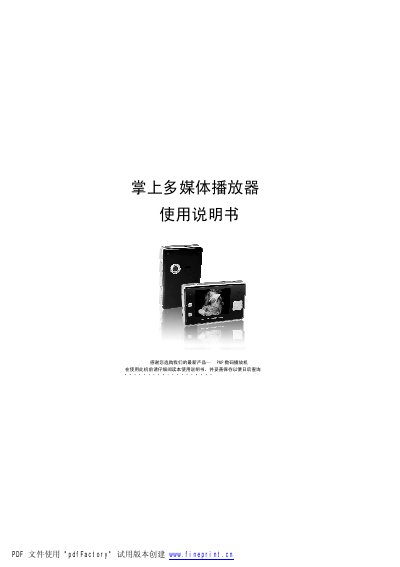
PMP Digital Media Player User Manual
The PMP digital media player is a handheld multimedia device that supports video, audio, photo browsing, recording, and playback of various formats. It requires a Windows PC with at least a Pentium 200 MHz CPU, 32 MB RAM (128 MB recommended), USB port, and 20 MB free disk space. The supplied USB cable is required for connecting the player to a computer.
The manual explains how to power on, charge, and operate the device, including button functions, interface descriptions, and step‑by‑step video and audio playback procedures. It also provides a list of common faults and their solutions, as well as specifications and accessories included with the product. This manual is written in Chinese.
Covers: Computer Requirements · Product Introduction · Function Overview · Button and Interface · Specifications and Accessories · Operation Details
Latest 掌上多媒体播放器 manuals
palm multimedia player Manual(3)
This is a user manual for a PMP player. It introduces the features, operations and precautions of the product.
palm multimedia player Manual(2)
This is a user manual for an MP4 player, which introduces the functions, computer configuration, connection methods and precautions of the player.
palm multimedia player Manual(1)
This document is a user manual for a handheld multimedia player, which introduces the features, functions, detailed operations, common troubleshooting and solutions of the product.
palm multimedia player Manual(1)(1)
This document is a PDF file about the user manual of a handheld multimedia player. The document mainly introduces the computer configuration requirements, features, operation details, troubleshooting methods, and specifications and accessories of the product.
PP数码播放机 Multimedia Player User Manual
User Manual 32 pages · 1.1 MB · ZHThis manual provides operating instructions, safety warnings, specifications, and troubleshooting for the PP digital multimedia player.
MRI4 Handheld Multimedia Player User Manual
User Manual 31 pages · 773 KB · ZHThe MRI4 handheld multimedia player user manual provides setup, operation, specifications, and troubleshooting instructions.
PMP Digital Media Player User Manual
User Manual 31 pages · 776 KB · ZHThis user manual provides setup, operation, and troubleshooting instructions for the PMP digital media player.
Which document do I need?
User Manual
Day-to-day operation, settings and troubleshooting. Start here if the product is already set up.
Questions answered in 掌上多媒体播放器 manuals
How do I connect the player to a computer?
Use the supplied USB cable, connecting the small end to the player and the large end to the computer’s USB port.
Why does the player not show a drive letter after connection?
Install the driver from the provided disc and ensure the USB cable is firmly connected; a loose or broken cable can also cause the issue.
How should I connect the MRI4 player to a computer?
Use the supplied USB cable, connecting the small end to the player and the large end to the computer’s USB port.
Can I insert or remove the SD card while the device is powered on?
No. The SD card must be inserted or removed only when the device is powered off to avoid damage.