
This is a user manual for an MP4 player, which introduces the functions, computer configuration, connection methods and precautions of the player.
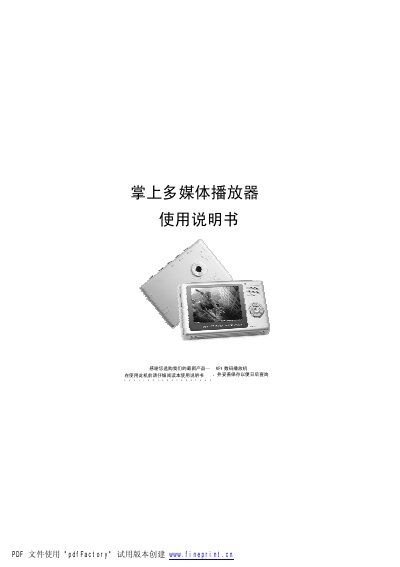
The manual introduces the handheld MP4 multimedia player, describing its playback functions for video, audio, photos, and e‑books, as well as recording, microphone, and external storage capabilities. It also covers basic usage, button functions, and safety precautions such as temperature limits and proper handling of the SD card.
Connection to a computer is performed with the supplied USB cable, allowing the device to appear as a removable disk for file transfer. The guide details charging procedures, power‑on/off actions, and provides a list of specifications, accessories, and common fault troubleshooting. This manual is written in Chinese.
| Earphone output power | 5 mW + 5 mW |
|---|---|
| Frequency response | 20 Hz – 20 kHz |
| Dimensions (L×W×H) | 88 mm × 58 mm × 17 mm |
| Screen | 2.4‑inch TFT |
| Storage capacity | 128 MB / 256 MB / 512 MB |
| Recording sample rate | 8 kHz – 48 kHz |
Connect the charger to a power outlet and plug the USB charging port on the player; the red indicator light shows charging and turns off when fully charged. Charging takes about five hours and can be done while the device is off or on.
Use the supplied USB cable, connecting the small end to the player and the large end to a USB port on the computer. The player will appear as a removable disk for file transfer.
Yes. The manual advises turning the device off before inserting or removing the SD card to avoid damage from high current during hot‑plugging.