
This document is about the instruction manual of MP4 player, introducing the functions and operation methods of MP4 player
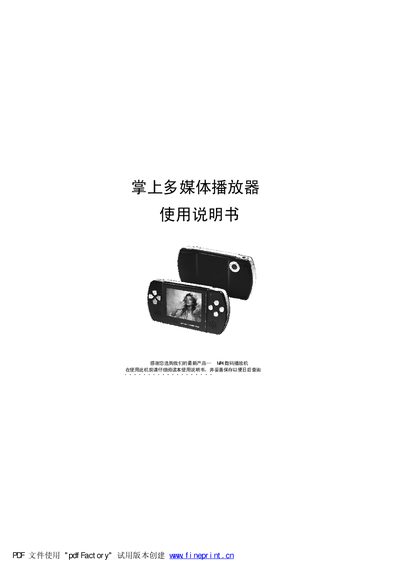
This manual introduces the MRI4 handheld multimedia player, covering its hardware features, supported media formats, and basic functions such as video playback, music playback, photo browsing, recording, and e‑book reading. It also explains the device's multilingual interface and built‑in accessories like the speaker and battery.
Detailed sections describe computer connection requirements, button layout, USB interface usage, safety precautions, and step‑by‑step operating procedures. The appendix includes a parts checklist, specifications table, and a troubleshooting guide for common issues. This manual is written in Chinese.
| Storage capacity | 128/256/512 MB |
|---|---|
| Battery | Built‑in lithium battery |
| Display | 2.5" TFT screen |
| Headphone output power | 5 mW |
| Recording sampling rate | 8 kHz–48 kHz |
| Camera resolution | 2 MP (200万像素) |
| Camera focal length | 4.3 mm |
| USB interface | USB 1.1 |
Use the supplied USB cable, connecting the small end to the player and the large end to the computer’s USB port.
No. The SD card must be inserted or removed only when the device is powered off to avoid damage.
Install the driver from the provided CD and ensure the USB cable is properly connected; a loose or damaged cable can prevent the drive from being recognized.