
This document is a PDF file about the user manual of a handheld multimedia player. The document mainly introduces the computer configuration requirements, features, operation details, troubleshooting methods, and specifications and accessories of the product.
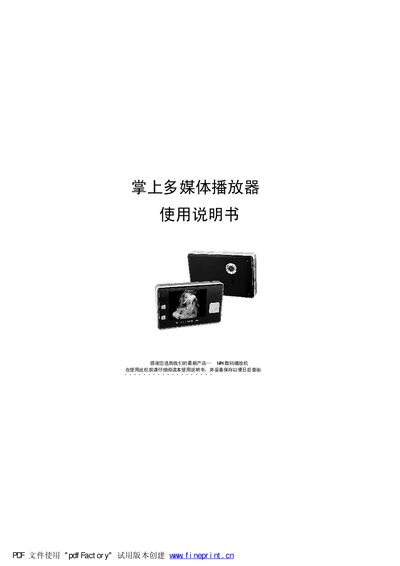
This manual provides instructions for using the MRI4 handheld multimedia player, including required computer specifications, connection methods, and safety precautions. It details the device’s functions such as video playback, audio playback, photo viewing, recording, and e‑book reading.
The document also includes a troubleshooting section, a list of accessories, and technical specifications such as storage capacity, battery type, display size, and supported audio/video formats. This manual is written in Chinese.
| Storage capacity | 128/256/512 MB |
|---|---|
| Battery | Built‑in lithium battery |
| Headphone output power | 5 mW + 5 mW |
| Display | 2.5‑inch LCD |
| Audio output frequency range | 20 Hz – 28 kHz |
| Recording sample rate | 8 kHz – 48 kHz |
| Photo resolution | 400 pixels (interpolated) |
| Camera focal length | 4.3 mm |
| USB interface | USB 1.1 |
The player works with Windows 98 Second Edition, Windows ME, Windows 2000 and Windows XP.
Yes, the device must be turned off before inserting or removing the SD card to avoid damage.
Install the driver program from the supplied CD and ensure the USB cable is properly connected.
The device supports memory cards of 128 MB, 256 MB or 512 MB.