
This is the product description manual of AD698 voltage reference
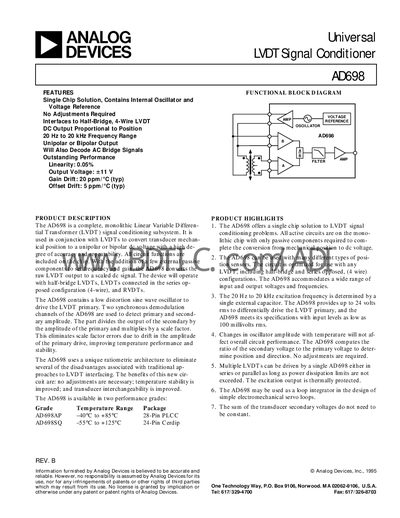
The AD698 is a single‑chip LVDT signal‑conditioning subsystem that provides a DC output proportional to core position. It includes an internal oscillator, voltage reference, and ratiometric architecture that eliminates the need for manual adjustments and improves temperature stability.
The document covers functional block diagrams, product highlights, detailed specifications, theory of operation, connection diagrams for dual‑ and single‑supply configurations, and step‑by‑step design procedures for selecting external components and setting output ranges.
| Output Voltage Range | +11 V |
|---|---|
| Output Current (no load) | 11 mA |
| Gain Drift | 20 ppm/°C |
| Offset Drift | 5 ppm/°C |
| Power Supply Range | 13‑36 V |
| Operating Temperature Range (AD698SQ) | -55 °C to +125 °C |
The AD698 provides a fixed output voltage of +11 V.
The device can operate with an excitation frequency from 20 Hz to 20 kHz.
The AD698 is available in AD698AP (40 °C to +85 °C, 28‑Pin PLCC) and AD698SQ (‑55 °C to +125 °C, 24‑Pin Cerdip).
The AD698 operates from a supply voltage between 13 V and 36 V.