
Explains the operation and maintenance of the MAX 700 product
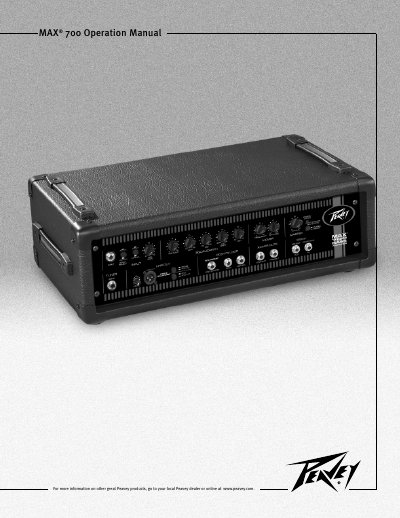
This manual introduces the Peavey MAX 700 power amplifier, detailing its three‑band active EQ, contour control, ground‑lift switch, and a range of input and output options. It includes safety warnings, installation guidance, and recommended operating procedures to ensure reliable performance.
The document also lists technical specifications such as power output, frequency response, distortion limits, dimensions, and weight, and provides troubleshooting tips for grounding, breaker reset, and fan ventilation.
| Power Output (2 Ω) | 700 W RMS |
|---|---|
| Power Output (4 Ω) | 475 W RMS |
| Power Output (8 Ω) | 275 W RMS |
| Frequency Response | 20 Hz – 30 kHz |
| THD (3 dB overload) | < 0.5 % |
| Dimensions (W × H × D) | 23.375" × 8.250" × 12.875" |
Turn the power switch to the OFF position, press and release the reset button, then turn the unit back on.
No, the unit has no user‑serviceable parts; all maintenance must be performed by qualified service personnel.
The minimum load is 2 Ω (or two 4 Ω speakers in parallel).