
This document introduces other useful information for using the device, including taking pictures, playing back/erasing images, recording and viewing video clips, connecting to the computer, and getting ready.
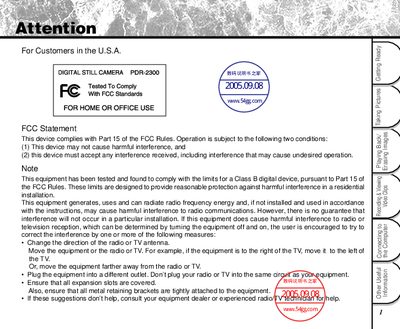
This manual explains how to safely operate the Toshiba PDR-2300 digital still camera, covering topics such as taking pictures, reviewing and erasing images, recording video clips, and connecting the camera to a computer. It also includes detailed safety precautions to prevent interference, fire, or electric shock.
Additional sections provide information on firmware updates, global support contacts, and instructions for proper handling, cleaning, and battery use. The document ends with contact details for Toshiba service centers worldwide.
Change the direction of the radio or TV antenna, move the equipment farther away, or plug it into a different outlet.
Firmware upgrade methods are described on the Toshiba website (see page 97 of the manual).