
This manual includes the function and usage method of MP3/CD player, troubleshooting and maintenance tips etc
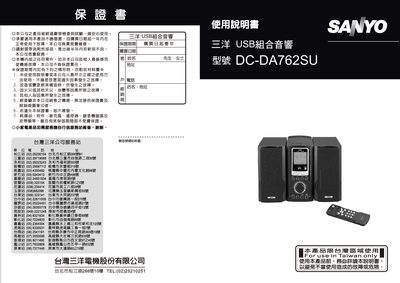
This user manual covers the Sanyo DC-DA762SU USB Hi-Fi audio system, a combination audio system with USB, SD/MMC card, CD, MP3, MW, and FM functions. It includes specifications, troubleshooting steps, operating instructions, and maintenance guidance.
The document also provides details on power requirements, output power, tuner frequency ranges, speaker dimensions, weight, and included accessories such as the remote control, AM loop antenna, and ferrite rings. This manual is written in Chinese.
| Power supply | AC 110V/220V 60/50Hz |
|---|---|
| Remote control power | DC 3V UM-4(AAA-SIZE)×2 |
| Output power | Instantaneous maximum 600W (P.M.P.O.) |
| Power consumption | 45W |
| Speakers | Tweeter 15W/8Ω, full-range speaker 15W/8Ω |
| Tuner frequency range | MW 522KHz~1620KHz, FM 87.5MHz~108MHz |
| Laser disc frequency response | 125Hz~20000Hz |
| Signal-to-noise ratio | 50dB |
| Sampling frequency | 44.1KHz |
| Main unit dimensions | 110(W)×268(D)×226(H)mm |
| Speaker dimensions | 110(W)×228(D)×223(H)mm |
| Weight | 6.6Kg |
| Accessories | Remote control×1, AM loop antenna×1, ferrite rings×2 |
| Manufacturing year | 2007 |
| Manufacturer | Dong Guang Kinhill Electronic Product Co., Ltd |
Check whether the volume is set to minimum, whether the speakers are connected, whether the power cord is properly connected, whether the mute key was pressed, and whether headphones are plugged in.
Check whether the remote control batteries have sufficient power and whether the polarity is installed correctly, and whether the remote control position is within the effective distance and angle.
Open the ferrite ring opening, place it at the middle of the USB and AUX cables, wrap two turns, then close the opening.
Only USB flash drives and memory card readers with MP3 format are supported; USB devices and memory cards of 1G or above may fail to read due to rate and current standards.