
This manual explains how to safely operate the VPC-C40EX, VPC-C40E, VPC-C40 and VPC-C40GX digital movie cameras.
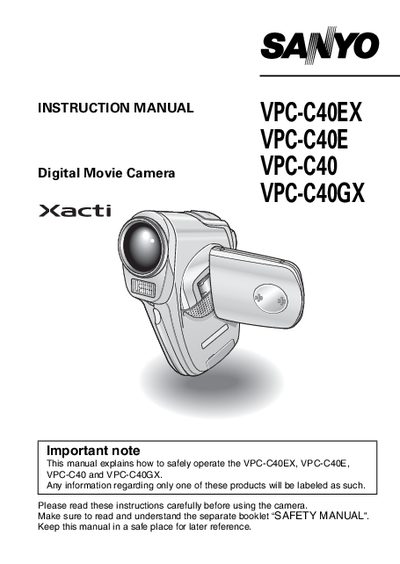
This manual covers important safety information, regulatory compliance, and proper handling of the Sanyo VPC‑C40 series digital movie cameras. It includes warnings for U.S., Canadian, and EU users, as well as disposal and recycling instructions.
The guide explains how to set up the camera, record video clips and still images, playback media, and adjust various shooting functions such as zoom, ISO, and scene modes. It also provides a quick‑search table for common operations, hints for better photography, and sections for frequently asked questions and troubleshooting.
| Model number | VPC-C40 |
|---|---|
| Trade name | SANYO |
Turn the camera on, set the main switch to REC, and press the video clip recording button.
Set the main switch to PLAY, toggle the SET button to select the clip, then press the SET button to start playback.
Press the ON/OFF button to turn the camera off.
The product contains chemicals, including lead, known to cause cancer, birth defects, or other reproductive harm; users should wash their hands after handling.