
VPC-SX550EX VPC-SX550 user manual. This manual explains how to safely operate the VPC-SX550EX and VPC-SX550.
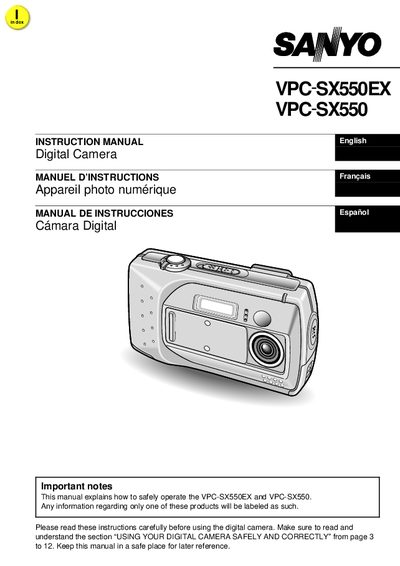
This manual explains how to safely operate the VPC‑SX550EX and VPC‑SX550 digital cameras, covering warnings, battery handling, and proper use in various environments. It also details the included accessories, power‑on procedures, and how to change settings such as shooting mode, resolution, and compression.
The guide describes data storage formats, supported memory cards (CompactFlash and micro‑drive), file‑naming conventions, and methods for transferring images, audio, and video to a computer. Appendices include troubleshooting tips and a full specifications list.
| Model Number | VPC‑SX550 |
|---|---|
| Supported Memory Cards | CompactFlash and micro‑drive |
| Battery Operating Temperature (charged) | 0 °C to 40 °C |
| Battery Operating Temperature (discharged) | 0 °C to 50 °C |
| Storage Humidity Range | 45 % to 85 % |
No. The manual warns not to expose the appliance to rain or moisture.
The camera supports CompactFlash and micro‑drive cards for data storage.
Charged batteries may be used from 0 °C to 40 °C, and discharged batteries from 0 °C to 50 °C.
Connect the camera to a computer with the supplied cable and use the SANYO Software Pack to copy the files.