
This PDF file is a product manual for the Casio EX-Z1500 digital camera. It introduces the camera's features and usage methods.
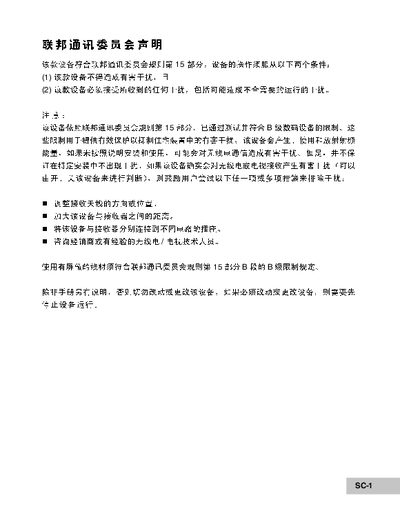
The manual begins with safety warnings and precautions, covering topics such as avoiding water exposure, proper battery installation, and handling the flash near the eyes. It also advises on environmental conditions and proper storage to prevent fire or electric hazards.
Subsequent sections describe basic operation, including power on/off, menu navigation, video and photo modes, connecting to a computer via USB, and using the included software. The specifications section lists the camera's sensor, resolution, LCD screen, battery, and storage capabilities, while the troubleshooting guide helps resolve common issues like power loss or USB connection problems. This manual is written in Chinese.
| Effective pixels | 7 million pixels |
|---|---|
| Maximum image resolution | 3072 x 2304 |
| LCD screen | 2.36" TFT color LCD |
| Battery | Li‑ion rechargeable 650 mAh |
| Internal storage | 16 MB (14 MB usable) |
| External storage | SD card up to 2 GB |
The battery may be depleted, inserted incorrectly, or the battery cover may not be closed properly. Install a fully charged battery with the correct polarity and ensure the cover is closed.
No. The manual warns not to use the flash near the eyes because it can cause eye injury.