
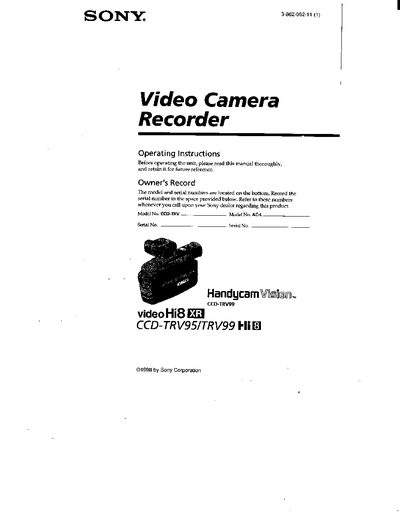
This manual introduces the Sony CCD-TRV95/99 camcorder, covering safety warnings, supplied accessories, and how to install and charge the battery pack. It also explains basic and advanced shooting functions, including night shot, digital effects, and photo recording features specific to the CCD-TRV99 model.
Further sections describe playback and editing options, troubleshooting indicators, self‑diagnosis, and technical specifications. The guide also includes information on using alternative power sources, proper disposal of lithium‑ion batteries, and service contacts for Sony support.
Open the viewfinder, press the battery release, slide the battery terminal cover, then insert the battery pack in the direction of the ¥ mark until it clicks into place.
A slow flashing indicator means the battery is weak, while a fast flashing indicator means the battery is dead.
You need an NTSC system‑based TV to view recordings made with the camcorder.