
This is an instruction manual for the Sony CCD-TRV49/TRV58/TRV68/TRV78/ TRV88/TRV98 video camera recorder
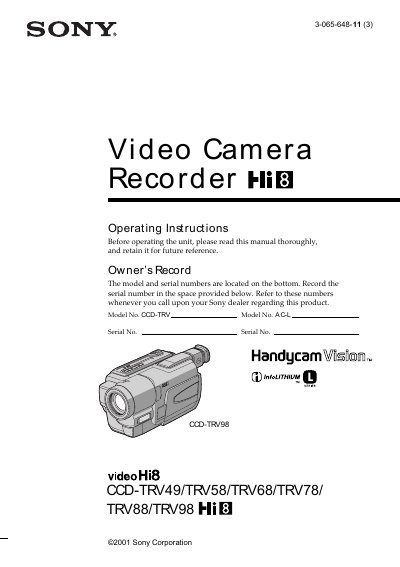
This manual covers the six Sony Handycam Vision camcorder models CCD-TRV49, TRV58, TRV68, TRV78, TRV88, and TRV98. It includes safety warnings, battery disposal guidelines, and FCC compliance information, followed by detailed instructions for setup, recording, playback, and troubleshooting.
Key sections include a Quick Start Guide, detailed recording and playback procedures, advanced features such as NightShot and Super Laser Link, editing functions, customization of menu settings, a specifications table, and a quick reference for parts and controls.
| SUPER LASER LINK | available on CCD-TRV98 only |
|---|---|
| SteadyShot | image stabilization on TRV68 and newer models |
| Remote sensor | present on selected models |
Remove the lens cap, set the POWER switch to CAMERA while pressing the small green button, then press the red button to start recording and press it again to stop.
Set the clock setting before recording using the menu; the date and time will then be superimposed on captured footage.
Return the unwanted lithium‑ion battery to the nearest Sony Service Center for proper disposal.