
This is a user manual for the Argus DC-3185 digital camera.
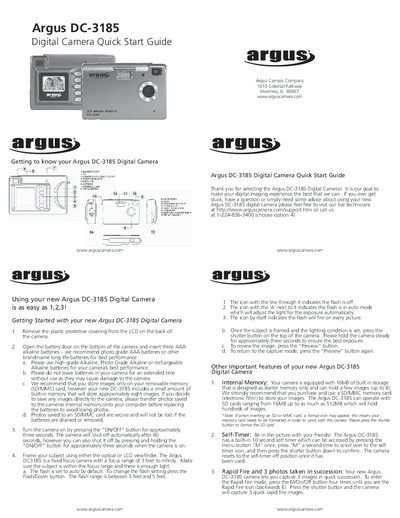
This guide walks you through the first steps of using the Argus DC-3185 digital camera, including removing the protective covering, inserting three AAA alkaline batteries, turning the camera on, framing a shot, and basic flash settings. It also explains the camera’s focus range, internal memory, and how to change image resolution, use the self‑timer, rapid‑fire mode, and adjust power‑line frequency.
Later sections cover installing the supplied driver CD and ArcSoft Photo Impression software, transferring photos to a PC, and advanced functions such as using the camera as a USB web cam or recording short video clips. Contact information for Argus support and tips for optimal image quality are also provided.
| Focus range | 3 ft to infinity |
|---|---|
| Flash range | 3 ft to 5 ft |
| Image resolution options | 3.2 MP, 2 MP, VGA |
| Battery type | Three AAA alkaline batteries |
| Self‑timer | 10 seconds |
Press the ON/OFF button for about three seconds; the camera will automatically shut off after 60 seconds if left idle.
Press the Flash/Down button to cycle through flash off, auto, and on modes.