
This document is the user manual for the DC1540 camera, which mainly introduces the camera's features, usage methods and installation instructions.
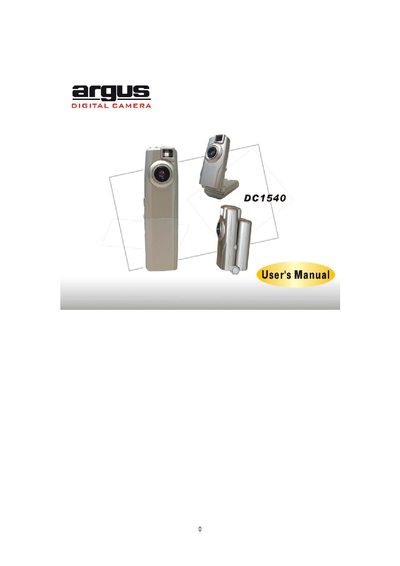
The manual begins with a welcome note and lists the package contents, system requirements, and key features of the DC1540 digital camera. It explains how to install batteries, power the camera, and navigate the LCD screen modes such as Self‑Timer, Continuous, and AVI.
Later sections cover installing Arcsoft drivers and software, using PhotoBase for photo management, and detailed specifications of the camera’s sensor, lens, video modes, storage, and power requirements.
| Resolution | CMOS CIF 352 x 288 Pixels |
|---|---|
| Lens Specification | F 2.4, f = 3.6mm, Sensor area 1/5", View angle 56° |
| Operating System | Microsoft Windows 98SE / 2000 / ME / XP |
| White Balance | Auto |
| Exposure Control | Auto |
| Focus Range | 1 meter to infinity |
| Video Mode | CIF 352 x 288 pixels 30 fps; QCIF 176 x 144 pixels 30 fps |
| Still Picture Mode | CIF 352 x 288 pixels up to 40 pictures; QCIF 176 x 144 pixels up to 160 pictures |
| Movie Clip | QCIF 176 x 144 pixels up to 16 sec @10 fps |
| PC Interface | USB |
| Storage | Built‑in 2 MB SDRAM |
| Power | 2 × AAA alkaline batteries |