
This document is a user manual for the DC1730 digital camera, providing information on the camera's features, included accessories, system requirements, etc.
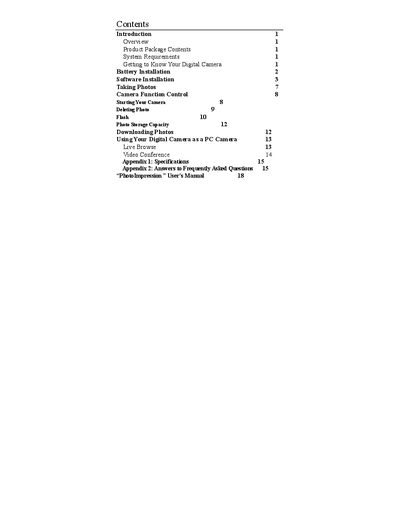
This manual explains how to install the camera, configure the PhotoImpression software, and use the built‑in PC camera functions. It covers battery installation, taking photos, flash operation, photo storage, and using the camera as a webcam for video conferencing.
The document also includes system requirements, a specifications appendix, and a FAQ section that answers common problems such as download errors and camera lock‑ups.
| Memory | 8 MB SDRAM |
|---|---|
| Processor requirement | PIT 200 MHz or higher |
| Minimum system memory | 32 MB or higher |
| Recommended monitor resolution | 800×600 24‑bit or higher |
| Supported operating systems | Windows 98, Me, 2000, XP |
| Battery type | Two AA alkaline batteries |
| USB port | Present |
| Flash | Present |
| LCD panel type | C‑STN LCD panel |
It is caused by an internal program lock‑up; turn off all power sources, replace the batteries after 10 seconds, then resume operation.
Open the .DR file and try downloading again; if problems persist, send the file to customer service for troubleshooting.
Remove the batteries, wait a moment, then re‑insert them.