
This manual introduces the use of the DC3200 digital camera, including battery use, storage card use, button description, LCD display description, digital zoom, shooting time, camera driver and software installation, photo download, photo printing, photo slides, and using the digital camera as a computer camera.
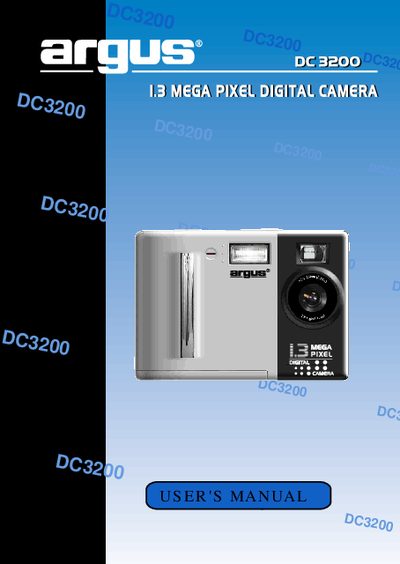
This manual explains how to install batteries, insert and remove the Compact Flash card, and use the camera's functions such as playback, digital zoom, and flash modes. It also includes troubleshooting tips, FCC compliance information, and software installation guidance.
The document lists the camera's technical specifications, system requirements for the accompanying software, and safety precautions for handling the device and its batteries.
| Lens | Glass, 5 elements, F/2.8, 35mm equivalent |
|---|---|
| LCD monitor | 1.8‑inch, 280 x 220 dots, True color TFT |
| Battery type | 4 AA alkaline or Ni‑MH batteries (6 V) |
| Flash modes | Auto, On, Off, Red‑Eye |
| Dimensions | 80 x 110 x 35 mm (H × W × D) |
| Net weight | 190 g without battery |
| Battery life (alkaline) | Approximately 1 hour with LCD monitor on |
The camera uses four AA alkaline or Ni‑MH batteries.
The maximum resolution is 1280 × 1024 pixels (SXGA).
The camera offers four flash modes: Auto, On, Off, and Red‑Eye.
Approximately one hour with the LCD monitor turned on.