
The manual introduces the basic functions of the DC1620 digital camera, including the camera's composition, battery installation, software installation, taking pictures, storing photos, deleting photos, downloading photos, etc.
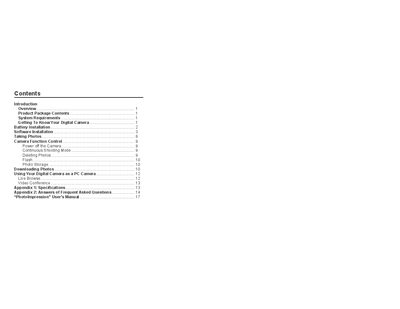
This manual introduces the Argus DC1620 digital camera, lists the package contents, and details system requirements such as Windows operating systems, minimum hard‑disk space, RAM, and monitor resolution. It explains how to install batteries, connect via USB, and install the accompanying ArcSoft software and drivers.
The guide then describes basic operation—taking photos, using continuous shooting, flash, and video‑conference modes—as well as how to download images to a PC. An appendix provides specifications and a FAQ section that answers common problems like driver installation, unresponsive buttons, and image‑download errors.
| Memory | 4 MB SDRAM |
|---|---|
| Batteries | 2 × AA alkaline |
| Supported OS | Windows 98/2000/ME/XP |
| Minimum hard‑disk space | 125 MB |
| Minimum RAM | 32 MB |
| Minimum monitor resolution | 800 × 600, 24‑bit color |
No, do not connect the camera to the computer while you are installing the driver.
Remove the batteries, then re‑insert them before trying again.
Take out the batteries and re‑insert them after a few seconds.