
This manual is the user manual for the Sony DC1510 digital camera, introducing the camera's various functions and usage methods.
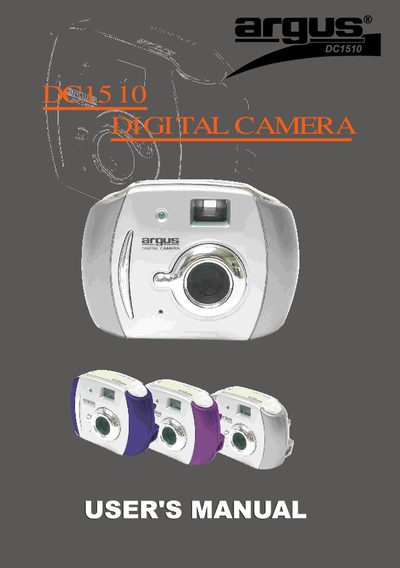
This manual guides users through unpacking, installing batteries, and connecting the Argus DC1510 digital camera to a PC. It includes safety notices, system requirements, and step‑by‑step instructions for taking photos, changing settings, and using the bundled Arcsoft software.
Key features covered are resolution modes, AC frequency selection, continuous shooting, self‑timer, photo deletion, and video capture. The document also contains FCC compliance information, warranty details, and a FAQ section for common issues.
| Battery type | 3‑AAA alkaline batteries |
|---|---|
| High‑resolution photo limit | 20 photos |
| Auto‑off timer | 30 seconds of inactivity |
| Resolution modes | High (CIF) and Low (QCIF) |
| AC mains frequency selection | 50 Hz or 60 Hz |
| Water resistance | Not water‑resistant |
The camera can store up to 20 high‑resolution (CIF) photos before the battery must be replaced.
The camera auto‑shuts off after 30 seconds of inactivity; press the Mode button to wake it again.
Yes, you can select the correct AC frequency (50 Hz or 60 Hz) using the Mode button to avoid stripe artifacts.