
This document is the user manual for 686LX4 motherboard, which includes instructions on how to power on the system using a mouse or keyboard, supported features and characteristics.
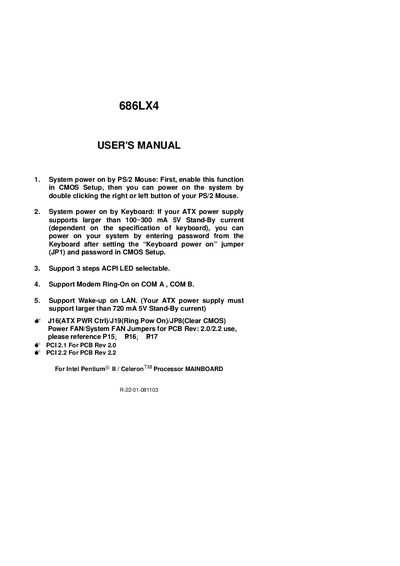
This manual covers the quick installation process for the ASUS 686LX4 motherboard, including power‑on methods via PS/2 mouse or keyboard, jumper configurations, and CPU speed setup using DIP switches. It also describes supported features such as ACPI LED selection, modem ring‑on, and Wake‑up on LAN.
Additional sections provide detailed pin‑out information for LEDs, reset and power connectors, as well as performance test data and recommended hardware configurations for optimal operation.
| CPU | Pentium II processor |
|---|---|
| DRAM | 32 × 2 MB SDRAM (LGS GM72V16821GT10K) |
| Cache Size | 512 KB |
| Display | 600 AGP Display Card (4 MB SGRAM) |
| Storage | Onboard IDE (IBM DHEA‑34330) |
| Operating System | Windows 95 OSR2.1 |
| Display Driver | 1024 × 768 × 64k colors, 75 Hz |
Enable the mouse power‑on function in the CMOS Setup, then double‑click the right or left mouse button to start the system.
Select the appropriate DIP switch combination so that the CPU speed matches the frequency ratio shown in the manual’s table.
The ATX power supply must support a standby current larger than 720 mA on the 5 V line.