
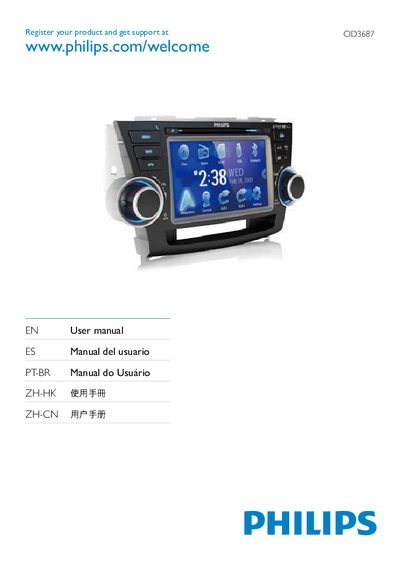
This manual explains how to register your Philips product for support at www.philips.com/welcome and includes safety notices. It lists the supported media formats such as DVD, VCD, CD, USB, and SD/SDHC/MMC, and describes the AV IN/OUT connections, GPS function, and menu navigation.
The guide also covers basic operation steps, how to use the remote control, and troubleshooting tips like resetting the device. Technical details such as the 12 V power requirement and AV output specifications are provided.
| AV Output | 248 |
|---|
Visit www.philips.com/welcome and enter the CID number shown in the manual.
The device supports DVD, VCD, CD, USB, and SD/SDHC/MMC cards.
Press the Reset button labeled #248 on the unit.