
This document is the user manual of the Philips GC1900 series steam iron. It introduces the features and usage of the steam iron.
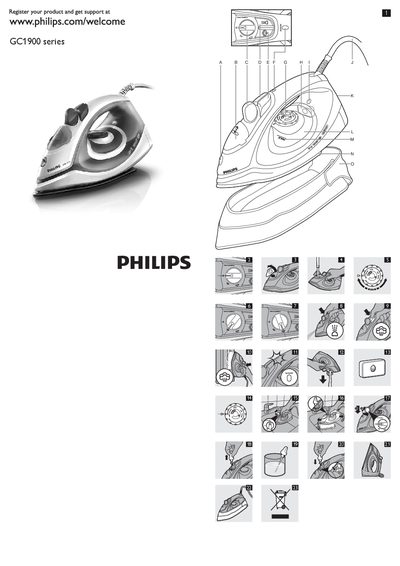
This manual provides instructions for safely using and maintaining the Philips GC1900 Series steam iron. It covers filling the water tank, setting temperature and steam levels, using features like spray and steam boost, and cleaning the soleplate. Safety warnings are included to prevent injury or damage. Troubleshooting tips address common issues such as insufficient steam or cold soleplate.
Switch off the appliance and unplug it. Set the steam control to position O. Open the cap, tilt the iron, and fill up to the MAX level. Close the cap until you hear a click.
Set the temperature dial to 3 and the steam control to large cloud. The steam boost function is available.
Set the steam control to position O, unplug the iron, let it cool, pour out any water, wipe the soleplate with a damp cloth and non-abrasive cleaner, and avoid using scouring pads or vinegar.
Check if the water tank is full, the steam control is not set to position O, and the appliance is plugged in correctly.