
ASUS PC (Desktop Barebone) T-P5G31A User Manual
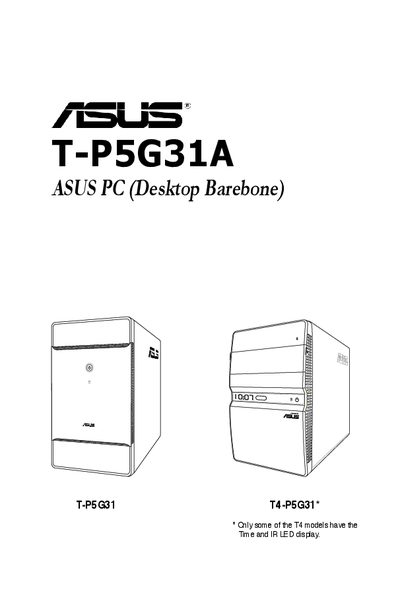
This guide offers general information and step‑by‑step installation instructions for the ASUS T-P5G31A barebone desktop. It covers system features, front and rear panel details, internal components, and safety precautions for experienced users and integrators.
The manual also includes chapters on starting up the system, motherboard layout and jumper settings, BIOS configuration, and an appendix with power‑supply specifications and remote‑control functions.
| Maximum environmental temperature | 35 °C |
|---|
The system can operate up to a maximum ambient temperature of 35 °C.
Enter the BIOS setup by pressing the appropriate key during power‑on and navigate the BIOS menus as described in Chapter 5.
Disconnect the power cable from the electrical outlet before relocating the system.