
This document is the user's guide for the ABB ACS850 control panel, which describes the features and characteristics of the ACS850 control panel.
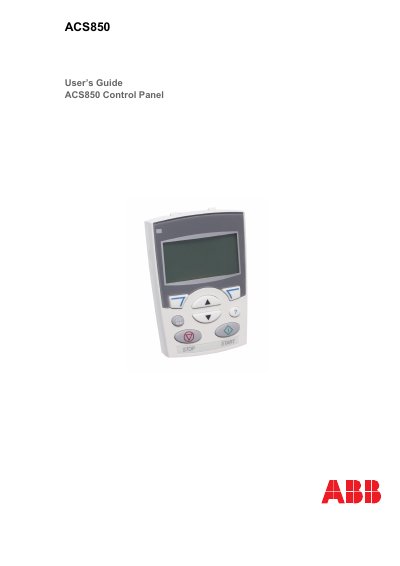
This guide covers the hardware description, installation steps, and operation procedures for the ACS850 control panel. It explains the panel’s keys, LCD display, status line, and available assistants, and provides detailed instructions for tasks such as starting, stopping, changing direction, and adjusting speed or torque.
Additional sections describe how to edit reference values, view drive information, and manage the parameter change log. Safety information, compatibility notes, and contact details for ABB support are also included.
| Display type | Alphanumeric LCD display |
|---|---|
| Copy function | Parameters can be copied to panel memory for backup or transfer |
| Context sensitive help | Provides help information for the highlighted item |
| Real‑time clock | Integrated clock with daylight‑saving support |
| Status LED | Green for normal operation |
Press the LOC/REM key on the control panel; the status line will show LOC for local or REM for remote control.
Open the Main menu, select DRIVE INFO, and the display will show the drive name, type, model, firmware version and other details.
Reference editing is only allowed in local control mode. Switch to LOC, open the Main menu, select REF EDIT, then use the keys to change the sign and numbers, confirming with the OK key.
Set parameter 16.14 Reset ChgParLog to Reset, then the log will be cleared.