
This document is the user guide for the MW221/MW201 series LCD monitors, describing the features and characteristics of the products in this series.
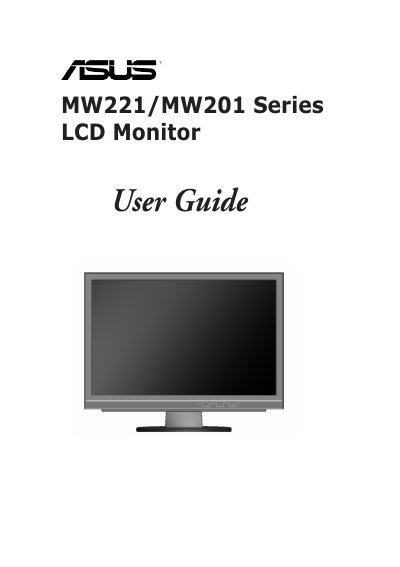
This guide introduces the ASUS MW221/MW201 series LCD monitor, covering product overview, package contents, and front‑ and rear‑panel descriptions. It explains how to connect cables, adjust settings, and detach the stand for VESA wall mounting.
Safety information, care and cleaning procedures, and supported display modes are detailed, along with FCC and Canadian compliance statements. The manual also includes troubleshooting tips and contact information for service support.
| Maximum supported resolution | 1680 x 1050 |
|---|---|
| Maximum horizontal frequency | 67.50 KHz |
| Energy Star compliance | Yes |
Never expose the monitor to rain or moisture, do not open the cabinet, ensure all cables are correctly connected and undamaged, use the proper power source, and keep ventilation slots unblocked.
Turn the monitor off and unplug it, then clean the surface with a lint‑free, non‑abrasive cloth; avoid alcohol or acetone and never spray cleaner directly on the screen.