
This document describes how to connect the various cables to the monitor, including power cord, VGA/DVI cable and audio cable.
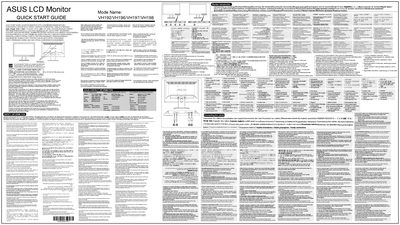
This Quick Start Guide provides essential information for installing and using ASUS LCD monitors of the VH192, VH196, VH197 and VH198 series. It begins with a multilingual introduction reminding users to read all documentation that came with the package before adjusting the monitor.
The guide also contains safety instructions, power‑source requirements, and basic operation details such as the SPLENDID auto‑adjust function, menu navigation, brightness and contrast hotkeys, and wall‑mount installation notes.
| Supported models | VH192, VH196, VH197, VH198 |
|---|
Read all the documentation that came with the package carefully before setting up the monitor.