
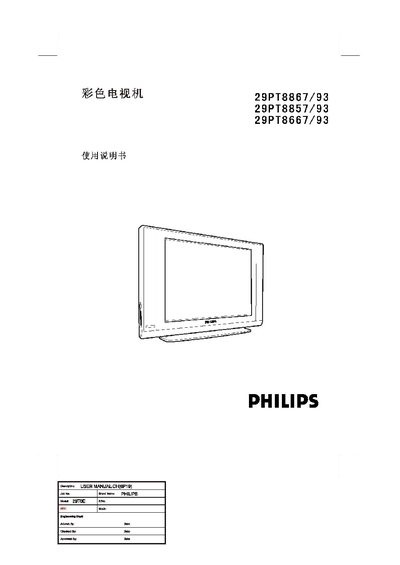
The manual begins with safety precautions and a checklist of items that should be present in the packaging, such as the TV set, power cord, remote control, and this user guide. It then guides you through proper installation, including positioning the TV with at least 10 cm of clearance and connecting the antenna and power cable.
Operating instructions cover remote‑control functions, menu navigation, language selection, and how to switch between progressive‑scan (100 Hz) and standard scan modes. The document also includes troubleshooting tips, environmental information about hazardous substances, and warranty details. This manual is written in Chinese.
| Refresh rate | 100 Hz progressive scan |
|---|---|
| Minimum clearance | 10 cm around the TV |
| Remote control batteries | 2 × AAA (provided) |
Make sure the box contains the TV, the main power cord, the remote control, and the user manual.
Open the main menu, select the scan mode option, and use the right‑arrow key to choose 100 Hz.
Use a slightly damp soft cloth and avoid corrosive cleaners.