
This document provides instructions on how to safely use your SyncMaster 940BW/941BW/920BW monitor, including setup and cleaning.
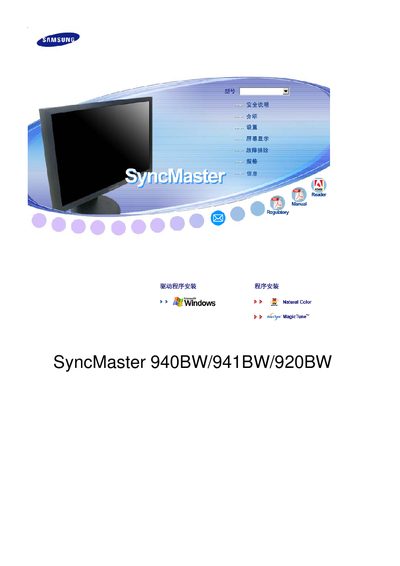
This manual covers safety warnings, proper installation, and handling of the SyncMaster LCD monitor. It explains how to connect power, mount the unit, and avoid hazards such as electric shock or fire.
The guide also details cleaning procedures, recommended display settings, and how to prevent image retention. Technical specifications such as screen size, resolution, and refresh rate are listed, along with warranty information. This manual is written in Chinese.
| Screen size | 19 inches (48 cm) wide |
|---|---|
| Resolution | 1280 x 1024 |
| Vertical refresh rate | 60 Hz |
| Panel type | TFT‑LCD |
Run a screen‑saver or power‑off the monitor after several hours of static images; use low‑contrast colors for long‑term displays.