
This document is a quick reference guide that includes instructions on how to enter your name and phone number, set the date and time, and store and clear auto dial numbers.
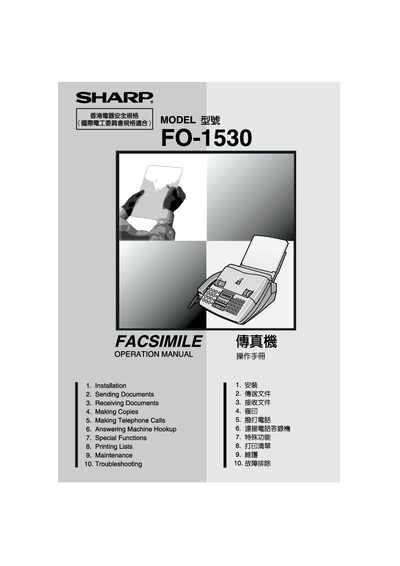
This manual covers all aspects of the Sharp FO-1530 fax machine, including installation, sending and receiving faxes, making copies, telephone functions, and special features. Quick reference guides and safety information are included to help users set up and operate the device safely.
Detailed sections provide step‑by‑step procedures for configuring the date and time, storing speed‑dial numbers, loading imaging film and paper, and adjusting resolution and contrast. Maintenance and troubleshooting tips help keep the machine running reliably.
| Memory size | 512 KB (≈30 pages) |
|---|---|
| Modem speed | 14,400 bps (fallback 2,400 bps) |
| Transmission time | ≈ 6 seconds |
| Horizontal resolution | 8 pels/mm |
| Vertical resolution (standard) | 3.85 lines/mm |
| Vertical resolution (fine/halftone) | 7.7 lines/mm |
| Vertical resolution (super fine) | 15.4 lines/mm |
| Paper tray capacity | 200 sheets |
| Automatic document feeder capacity | 20 pages max |
| Power requirements | 220‑240 V AC, 50/60 Hz |
| Standby power consumption | 2.6 W |
| Maximum power consumption | 115 W |
| Dimensions (W × D × H) | 365 mm × 482 mm × 270 mm |
| Weight | ≈ 4.8 kg |
Press the START key, then follow the prompts to enter two digits for day, month, year, hour and minute.
Press the FUNCTION key, choose 1 to store or 2 to clear, then enter a 2‑digit number (01‑99) followed by the full fax/telephone number.
The paper tray holds up to 200 sheets.
It must be connected to a 220‑240 V AC, 50/60 Hz, earthed outlet.