
This document is a user manual for the LCD-40LE700A LCD color TV, which provides information on safe use, installation, and connection of external devices.
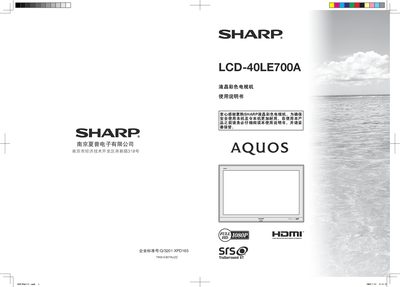
This manual provides safety instructions and setup guidance for the Sharp LCD-40LE700A TV. It covers installation of the included stand, wall mounting precautions, remote control use, and connecting external devices like DVD players and computers. It also explains how to adjust picture and sound settings, manage channels, and use energy-saving features.
The manual includes troubleshooting tips, specifications, and warnings about handling the TV safely to avoid damage or injury, including avoiding moisture, heat sources, and physical impacts. This manual is written in Chinese.
| Model Number | LCD-40LE700A |
|---|---|
| Display Technology | LCD |
| Pixel Count | 6,220,800 |
The model number is LCD-40LE700A.
Insert the stand into the TV’s bottom holes, then tighten 4 short screws into the back holes using the provided screwdriver.
Yes, but only using a Sharp-approved wall mount. Installation must be done by qualified personnel.