
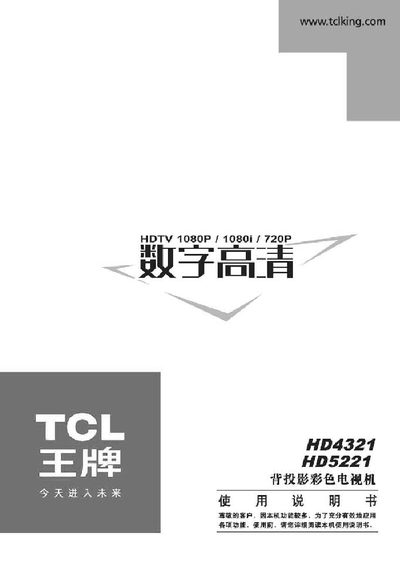
This manual provides instructions for installing and operating TCL HD4321 and HD5221 back-projection color TVs. It details features like DDHD display, color adjustment, and multiple input options. The guide also covers basic operations, system settings, and troubleshooting steps for common issues such as signal interference and image problems.
The manual includes technical specifications for both models, including screen size, power consumption, and supported video formats. It also explains how to use the remote control, adjust settings, and perform maintenance tasks like replacing the clock battery. This manual is written in Chinese.
| Projection System | 3-tube, 3-chip, high-definition system with motion system |
|---|---|
| Screen Size | 132cm (53in) for HD5221 |
| Power Consumption | 200W |
| Audio Output Power | 15W + 15W |
| Supported Video Formats | HDTV: 1920x1080P, 60Hz; 1920x1080i, 60Hz; 1280x720P, 60Hz; VGA, SVGA, XGA |
| Input Options | Two AV inputs (AV1, AV2), two S-video inputs, one AV output, one DVD component input, one HDTV component input, one computer signal input |
The HD5221 supports HDTV formats including 1920x1080P, 60Hz; 1920x1080i, 60Hz; 1920x1080i, 50Hz; 1280x720P, 60Hz; and computer signal formats VGA, SVGA, XGA.
The power consumption is 200W.
To replace the clock battery, remove the clock cover by pressing the side buttons and turning the clock clockwise. Then, press the three tabs on the back of the clock to remove the battery compartment. Replace the old battery with a new one and reassemble the clock.