
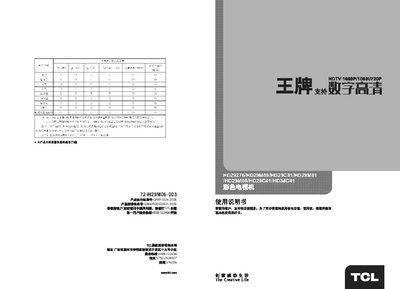
This manual provides instructions for using the TCL HD29C41 color TV. It describes the main features, remote‑control functions, picture and sound adjustments, and how to navigate menus and channels.
The guide includes sections on basic operation, channel search, picture‑mode selection, DCDHD contrast display, program storage, and a troubleshooting chapter that helps resolve common issues such as no signal or picture problems. This manual is written in Chinese.
| Program storage capacity | 30 programs |
|---|
Press the power button on the remote or the TV; the indicator will light when the TV is on.
Make sure the antenna cable is properly connected and not broken, then verify the TV is set to the correct input source.
Use the DCDHD contrast display option in the picture settings menu.