
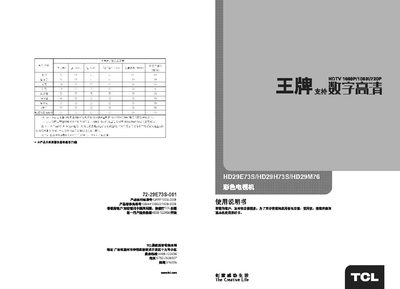
This manual covers the basic operation of the TCL HD29E73S/HD29H73S/HD29M76 color television, including power on/off, channel selection, volume control, picture settings, timer functions, and calendar features. It also describes the remote control layout and the functions of each button.
Additional sections provide safety warnings, product specifications, external diagrams, and a troubleshooting guide for common issues such as no picture, no sound, or signal loss. The document ends with a simple fault‑checking checklist to help users identify and resolve problems quickly. This manual is written in Chinese.
Press the power button on the main unit; the indicator lights will turn on.
Use the volume up/down buttons on the remote or the TV panel to increase or decrease the sound level.
Check that the TV is receiving a signal, verify the antenna connection, and ensure the correct input source is selected.